
Context
Problem & Responsibility
Operational Problem
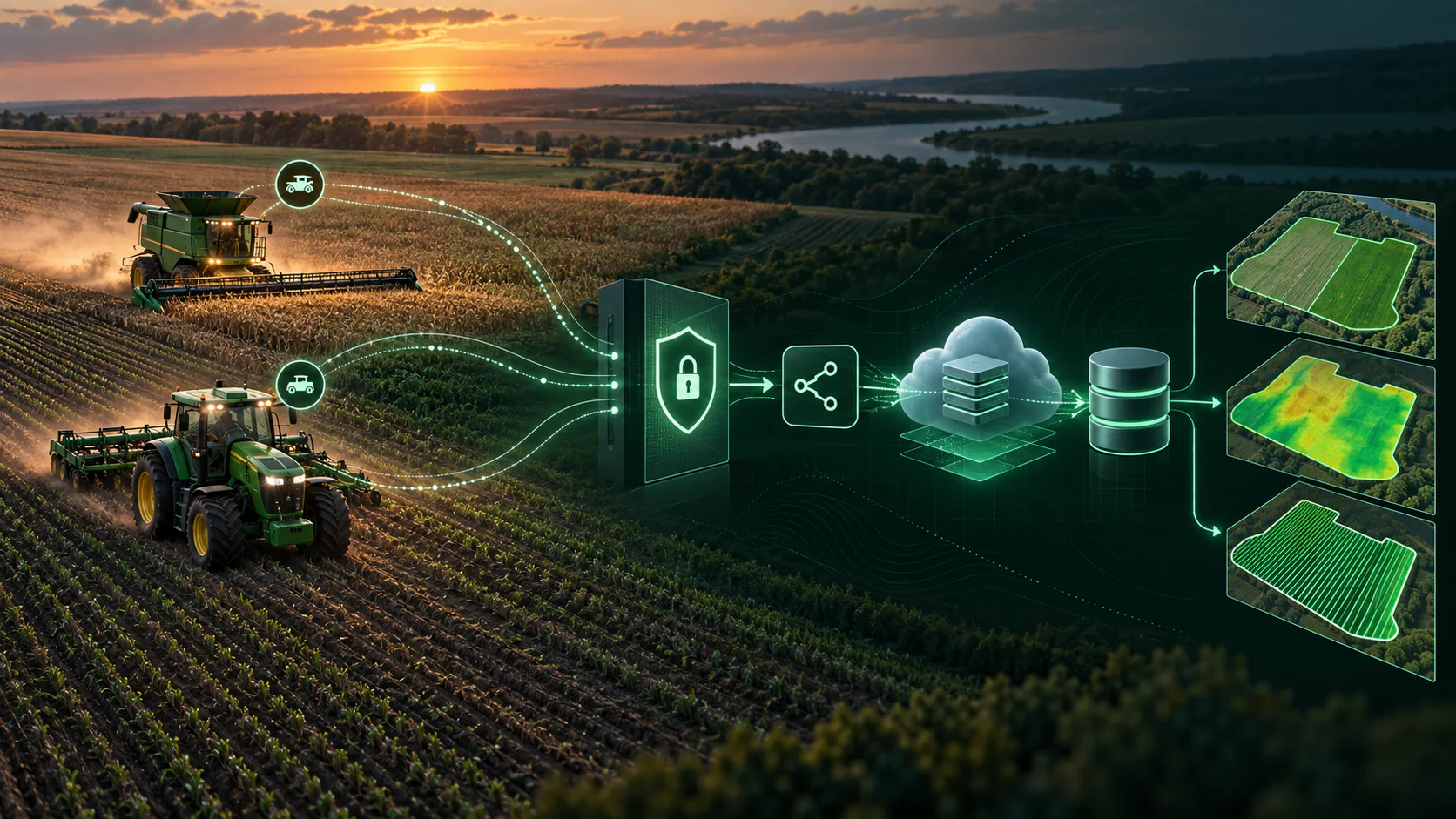
Customer field and operation data required a slow, multi-step onboarding process before it was ready for analysis.
My Responsibility
Primary implementer and John Deere technical contact, responsible for integration design, ingestion, validation and operational recovery.
System Design
Architecture & Workflow
- 01
John Deere APIs and OAuth/OIDC token lifecycle
- 02
Webhook-triggered Cloud Run processing
- 03
Automated shapefile download, cleaning and BigQuery loading
- 04
Operational notifications, validation and recovery workflows
- 05
Workload-aware processing: standard datasets stay on a simple Python path, with a Spark path for very large ones
- 06
Harvest, planting and fertilizer-application data, each with crop-specific cleaning and standardization
Deep Dive
Inside the Build
Approach
Primary implementer and John Deere technical contact. Owned the technical John Deere API integration end to end: discovery and vendor due diligence, customer authorization, webhook-driven production processing, validation, standardization, cloud processing, failure reporting and delivery of analysis-ready data to BigQuery and downstream applications.
- 01
Acted as the primary technical bridge to John Deere Operations Center/support, translating API capabilities and requirements into an implementation plan.
- 02
Implemented customer authorization/authentication, persisted token information, and gated event-driven processing on access-permission checks.
- 03
Used John Deere webhooks to detect new operational data, call the right endpoints, download and validate geospatial data, and load standardized output into BigQuery.
- 04
Added failure reporting so analysts and account managers can see validation or processing issues without manually monitoring every ingestion.
- 05
Designed workload-aware processing: a standard Python path for smaller datasets, and a Spark-based path above roughly 500,000 records.
- 06
Processed multiple operation types (harvest, planting/seeding, fertilizer/application) with crop-specific cleaning and standardization.
Operational Architecture
From One Click to Analytics-Ready Field Data
The integration separates secure customer approval, credential renewal, data acquisition and delivery, so each stage can be monitored and recovered on its own.
- 01
Access
Connect & Approve
A customer clicks Connect on John Deere’s own Connections page and approves their organizations there. No separate account is needed.
- 02
Verification
Verify & Store
The one-time code is exchanged for tokens, real organization access is verified, and only working connections are saved for each organization.
- 03
Continuity
Renew Automatically
A scheduled worker refreshes each 12-hour access token before it expires and alerts the team if a connection fails or is revoked.
- 04
Acquisition
Pull Field Data
Organization-aware sessions fetch fields, boundaries and field operations, then request and download John Deere’s shapefile exports.
- 05
Delivery
Clean & Load
Exports are organized, cleaned and validated, then loaded into BigQuery, with notifications and recovery workflows around every run.
Shared Controls
Per-Organization Isolation
Every connection is stored against its own organization and never mixed with another.
Health & Audit Trail
Active or revoked status and renewal history support troubleshooting.
Team Alerts
Renewal failures and revoked access surface before data pulls are affected.
Interactive Diagrams
Explore the Full Architecture
Two views of the same integration: the secure access lifecycle, from the customer’s first click to automatic renewal, and the data pipeline that turns an approved connection into analytics-ready datasets. Drag to pan, use Ctrl or ⌘ with scroll to zoom, or expand the viewer to full window.
Architecture adapted from the operational integration. Environment-specific resource names, endpoints and credentials are intentionally omitted.
Evidence
Scale & Measurable Impact
- Reduced data readiness from approximately one week to approximately one day
- Demonstrated capacity of approximately 40,000 acres per day
- Supported roughly 50 customers
- Approximately 250,000 acres captured for the John Deere production workflow